Older/newer Steam++ import
5/14/22...Less than 1 minute
Older/newer Steam++ import
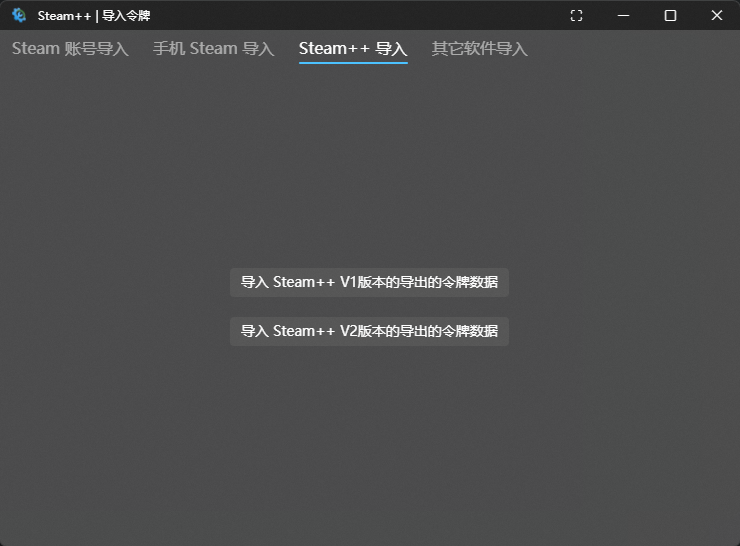
.dat files exported from Steam++V1, usually named "Steam++ Authenticator date.dat" by default
.mpo files exported from Steam++V2, usually named "Steam++ Authenticators date.mpo" by default
Steam++ Click Steam Authenticator-New- choose and select Import from Steam++.
Mobile Steam++ import
PC side
Steam++ v2.4.9or higher
Import by code scanning
Click the
Export as QR Codebutton on the PC side as shown in the picture, and click theTop Right Plus->Addon the mobile side to scan the code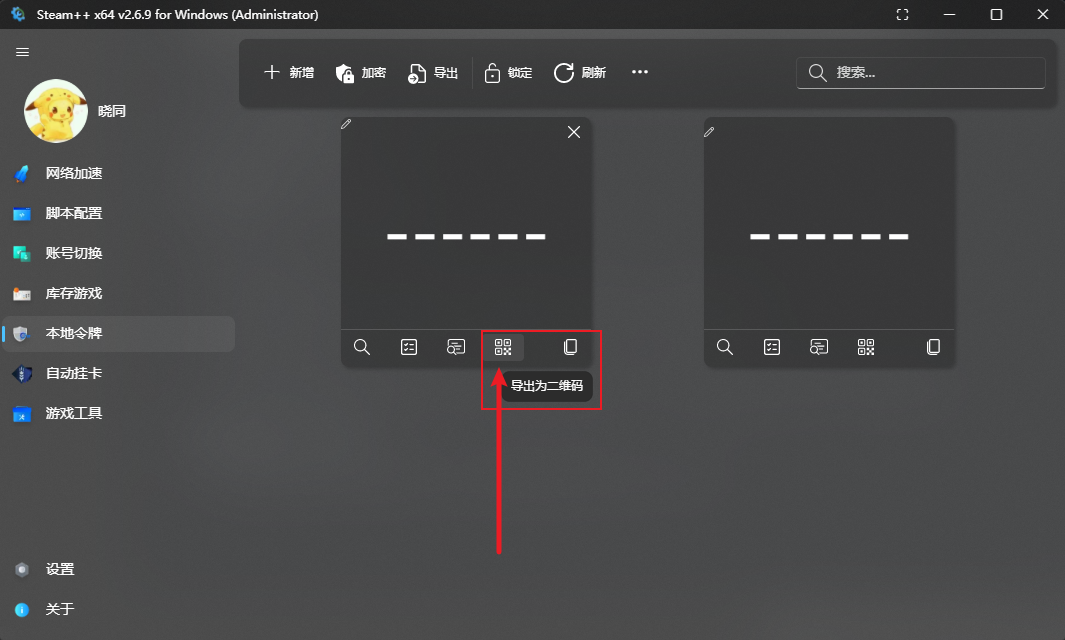
Import via file
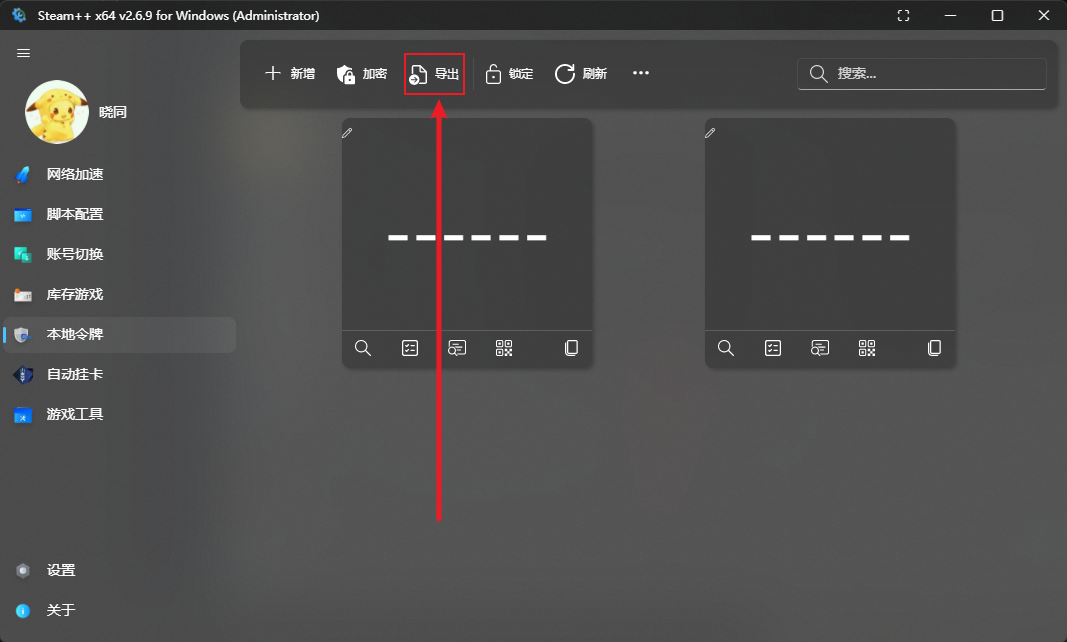
Click the
Exportbutton andConfirm Exporton the PC side, send the exported file to your cell phone, and click theTop right plus sign-->Addon the cell phone side to import